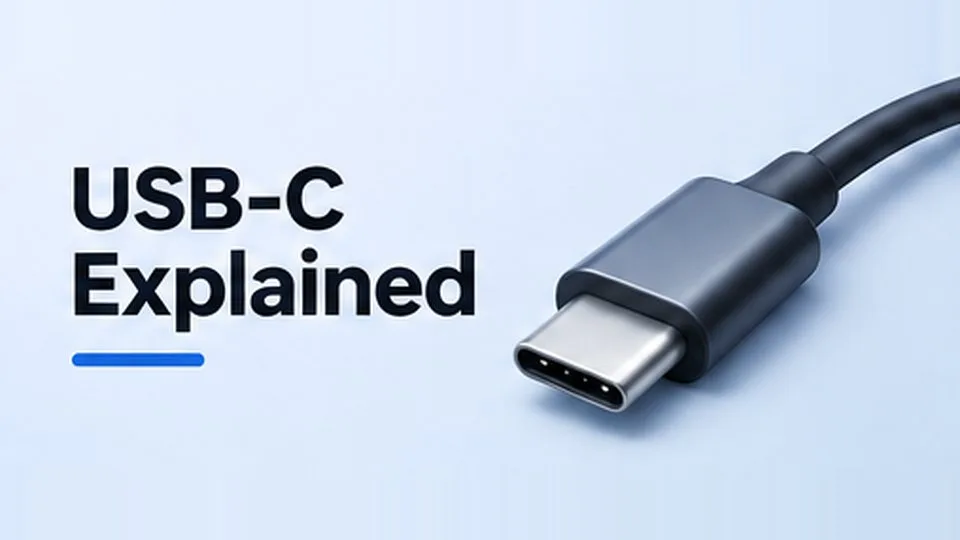
USB-C Explained: Why Identical Cables Can Have Completely Different Speeds
Two USB-C cables can look identical while supporting very different capabilities. USB-C describes the physical connector, not a guaranteed charging speed, data rate or display feature.
Charging and power delivery
USB Power Delivery negotiates power between supported devices. Actual charging depends on the charger, cable, device and supported power profiles. A high-wattage charger does not force its full rated power into a compatible phone. Higher-power cables may require electronic identification; use appropriately rated, reputable cables.
Data transfer
Some USB-C cables support only basic USB 2.0 speeds, while others support faster USB specifications. Check the explicit data-rate marking and both connected devices. A fast external SSD cannot reach its potential through a slow cable or port.
Video output
Not every USB-C port supports a monitor. DisplayPort Alternate Mode or another compatible display technology must be supported by the host, cable or adapter and display. A charging-only cable will not turn a laptop into a video source.
What should you buy?
| Use | Check |
|---|---|
| Phone charging | Compatible charging protocol and power rating |
| External SSD | Explicit supported data rate |
| Monitor or dock | Display and data compatibility |
| Laptop charging | Required USB PD power profile and cable rating |
Keep cables organized
Label high-speed and high-power cables rather than guessing later. Replace visibly damaged cables and avoid products with implausible specifications. Buy based on the requirements of the device, not the connector alone.
Further reading: USB Implementers Forum.
Engagement
Comments