Passkeys Explained: How to Secure Your Accounts Without Passwords
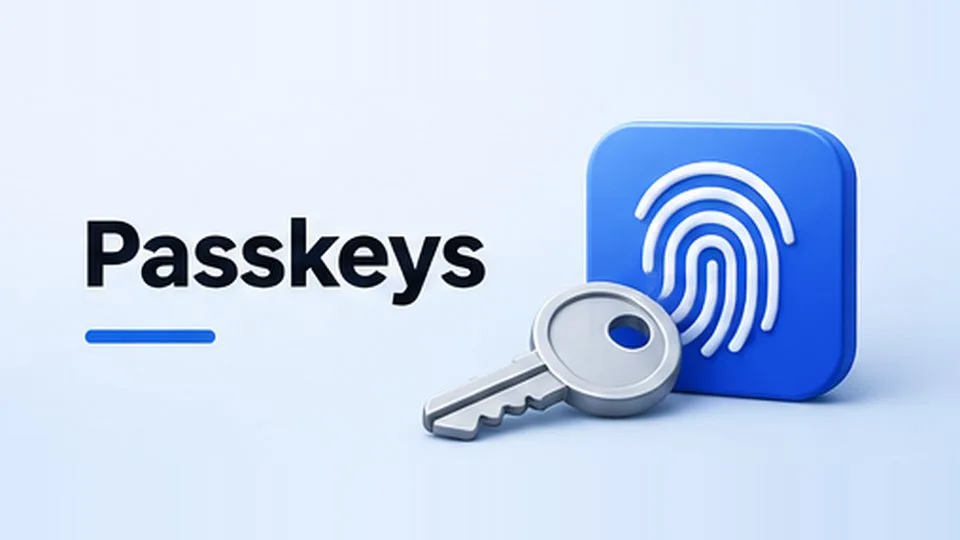
Passwords can be stolen by convincing fake websites. Passkeys replace the reusable secret with a cryptographic credential tied to the legitimate service. They make everyday sign-ins easier while reducing the risk of credential phishing.
How passkeys work
Your authenticator generates a public and private key pair. The service stores the public key; the private key remains with your authenticator or credential provider. During sign-in, the authenticator signs a challenge. Your fingerprint, face or device PIN unlocks the credential locally rather than being sent to the website.
Set up your first passkey
- Open the security settings of a supported account.
- Choose the option to create a passkey and select your preferred credential manager.
- Confirm the request using your device authentication.
- Test signing in again before changing existing recovery options.
What happens if you lose your phone?
Some passkeys synchronize across devices; others are tied to specific devices or hardware security keys. Review the credential provider's recovery options. Register another credential where supported, and keep recovery codes somewhere safe and offline.
Are passkeys enough?
No authentication method prevents every attack. Stolen sessions, malware and insecure recovery mechanisms can still cause account compromise. Keep your operating system updated and review unfamiliar sessions regularly.
Where to start
Prioritize your main email account because it often controls other account resets. Then move to your password manager, cloud storage and other supported services. Do not disable fallback methods until you understand how you will regain access.
Further reading: FIDO Alliance passkey resources.
Engagement
Comments