DLSS, FSR and XeSS Explained: Upscaling vs Frame Generation in PC Games
Modern games often offer several options designed to increase displayed frame rates. Upscaling and frame generation solve different problems, even when they appear together in a graphics menu.
What upscaling does
Upscaling renders the game at a lower internal resolution and reconstructs a higher-resolution output. Temporal approaches can use information from previous frames and motion data. The result depends on the game, implementation and selected quality mode.
What frame generation does
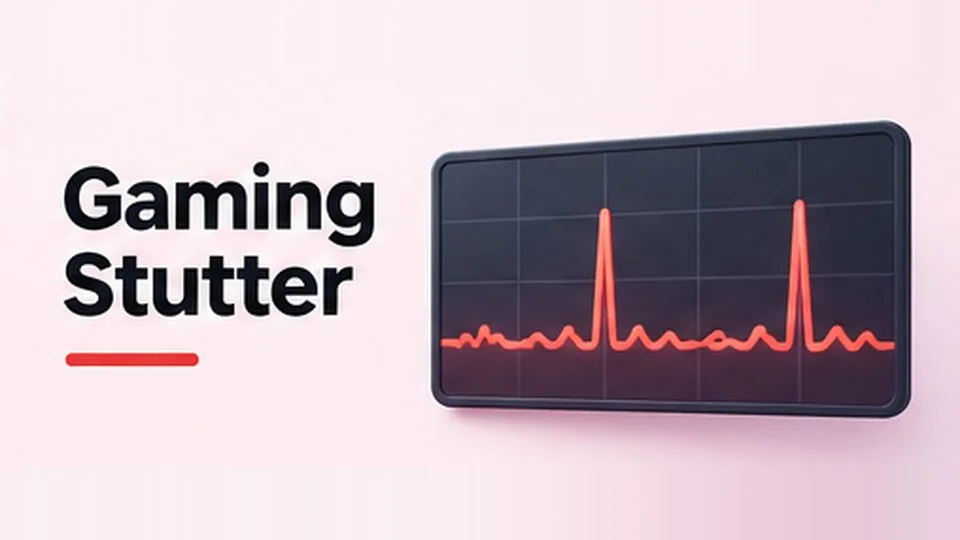
Frame generation creates additional displayed frames between rendered frames. This can improve perceived smoothness but does not increase the rate at which the game simulation processes input in the same way as rendering more real frames. It can also introduce artifacts or latency.
Which setting should you choose?
Start with a quality-oriented upscaling preset if your GPU is struggling. Compare fine details, moving objects and text at your normal viewing distance. Frame generation is most useful when the underlying frame rate already feels responsive. Competitive players should prioritize input latency.
How to compare DLSS, FSR and XeSS
Support varies by GPU, game and feature generation. Compare the options actually offered in your game rather than assuming one brand always wins. Keep resolution, scene and other settings consistent during testing.
Final recommendation
Use these technologies to reach a comfortable experience while preserving image quality. A large FPS counter is not a substitute for clear visuals and responsive controls.
Engagement
Comments